Press
Prunable press kit
Everything needed to write about Prunable: what it is, the facts, the icon and screenshots. Use any of it without asking. Questions and review copies: contact@getprunable.com.
In one paragraph
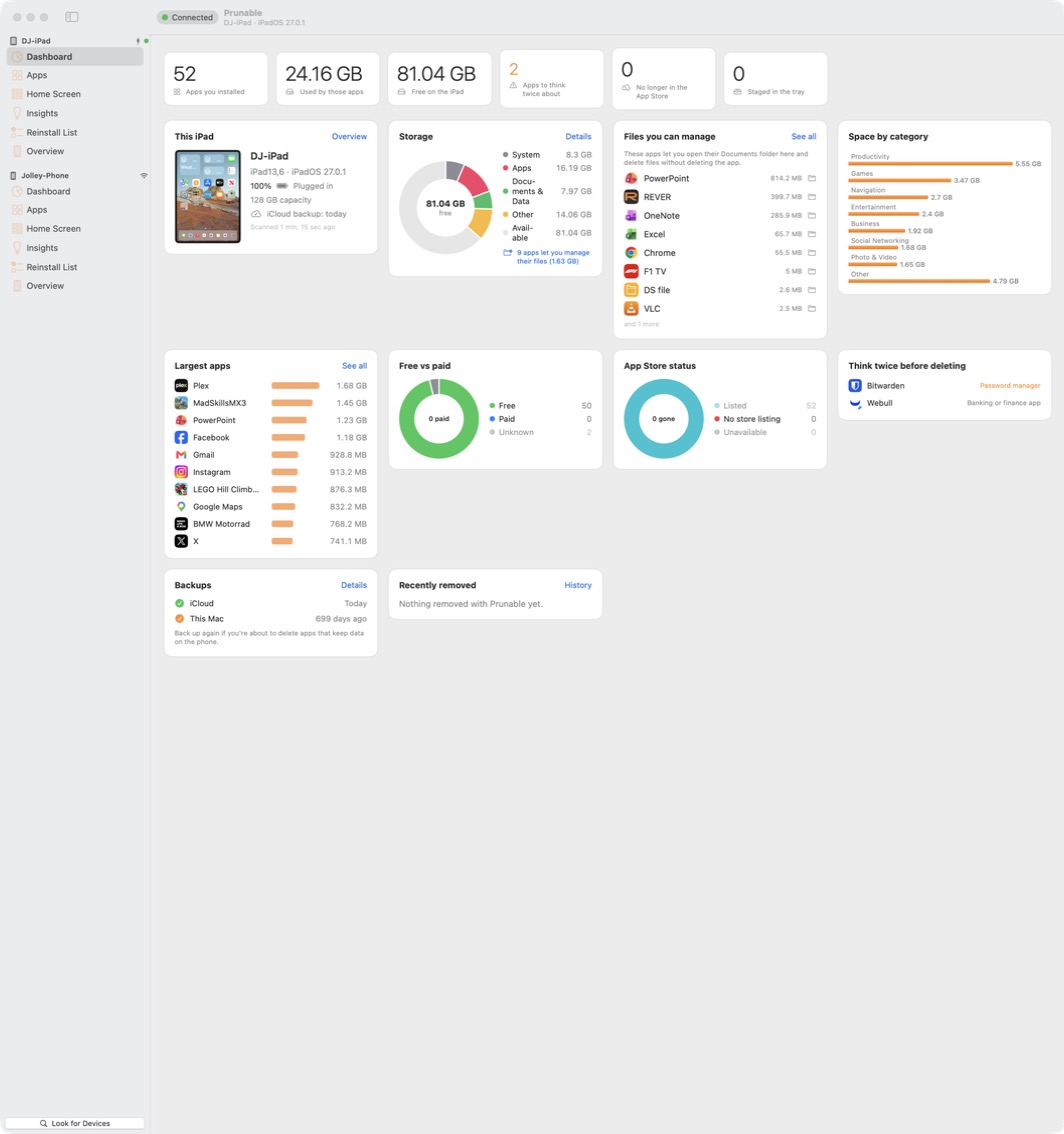
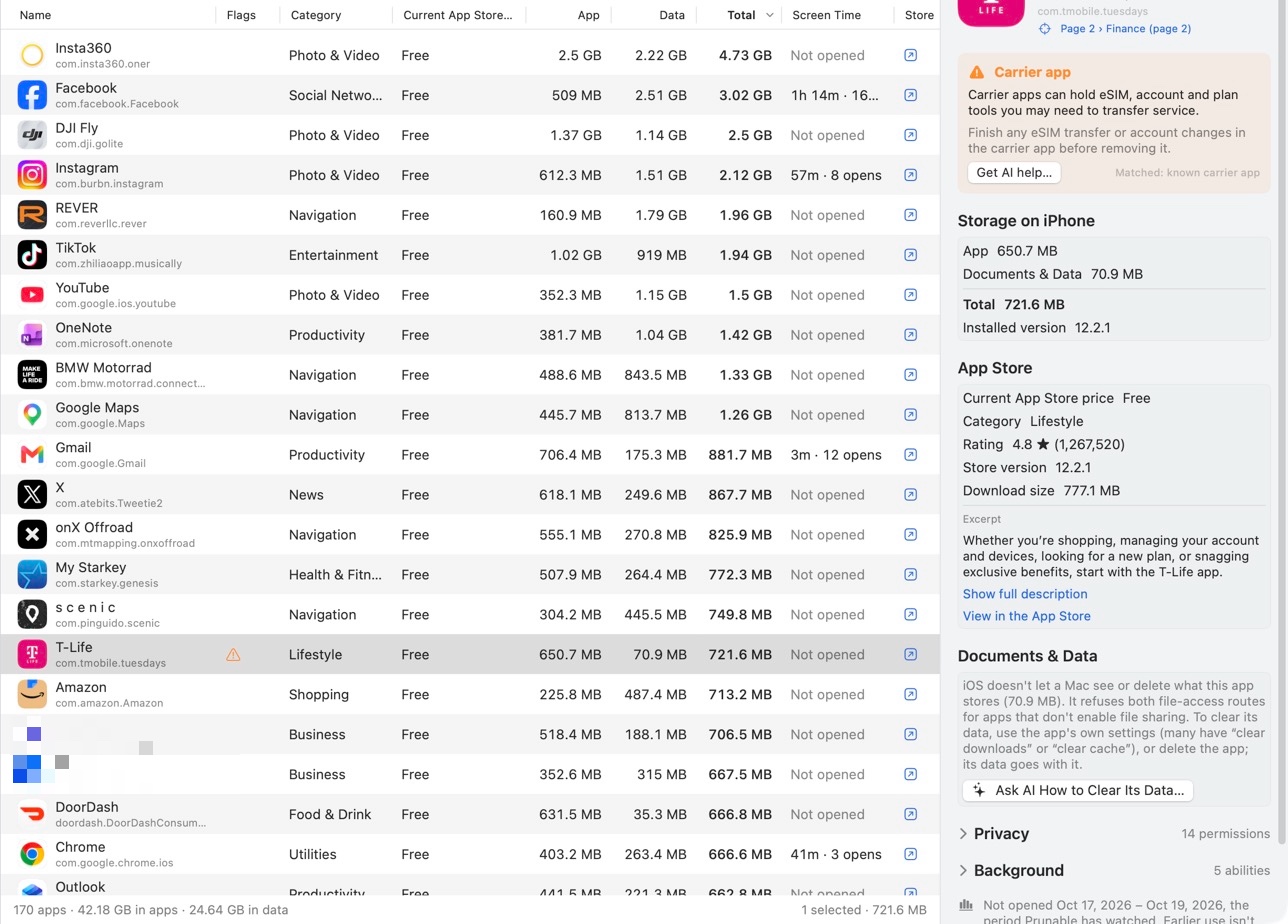
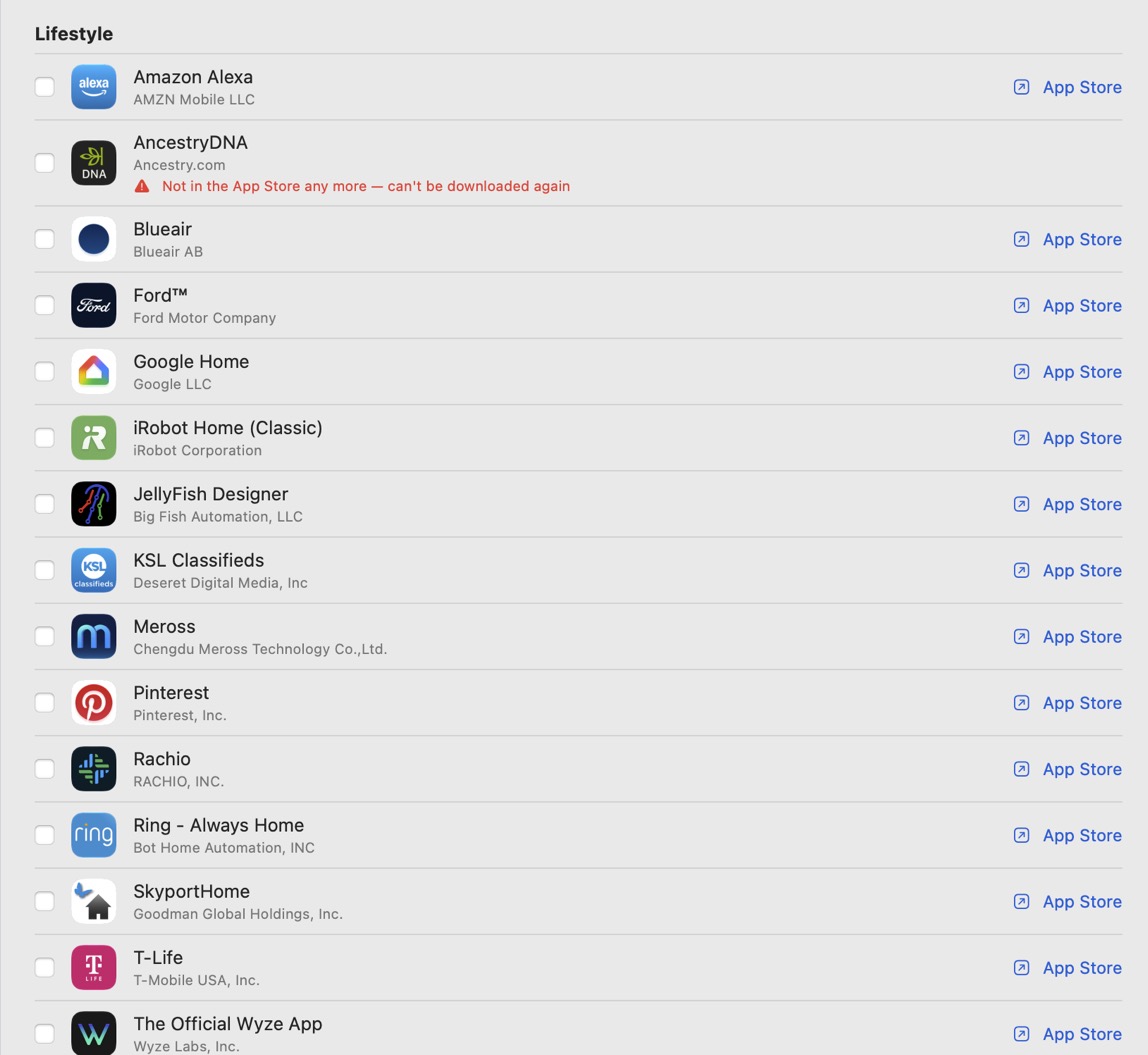
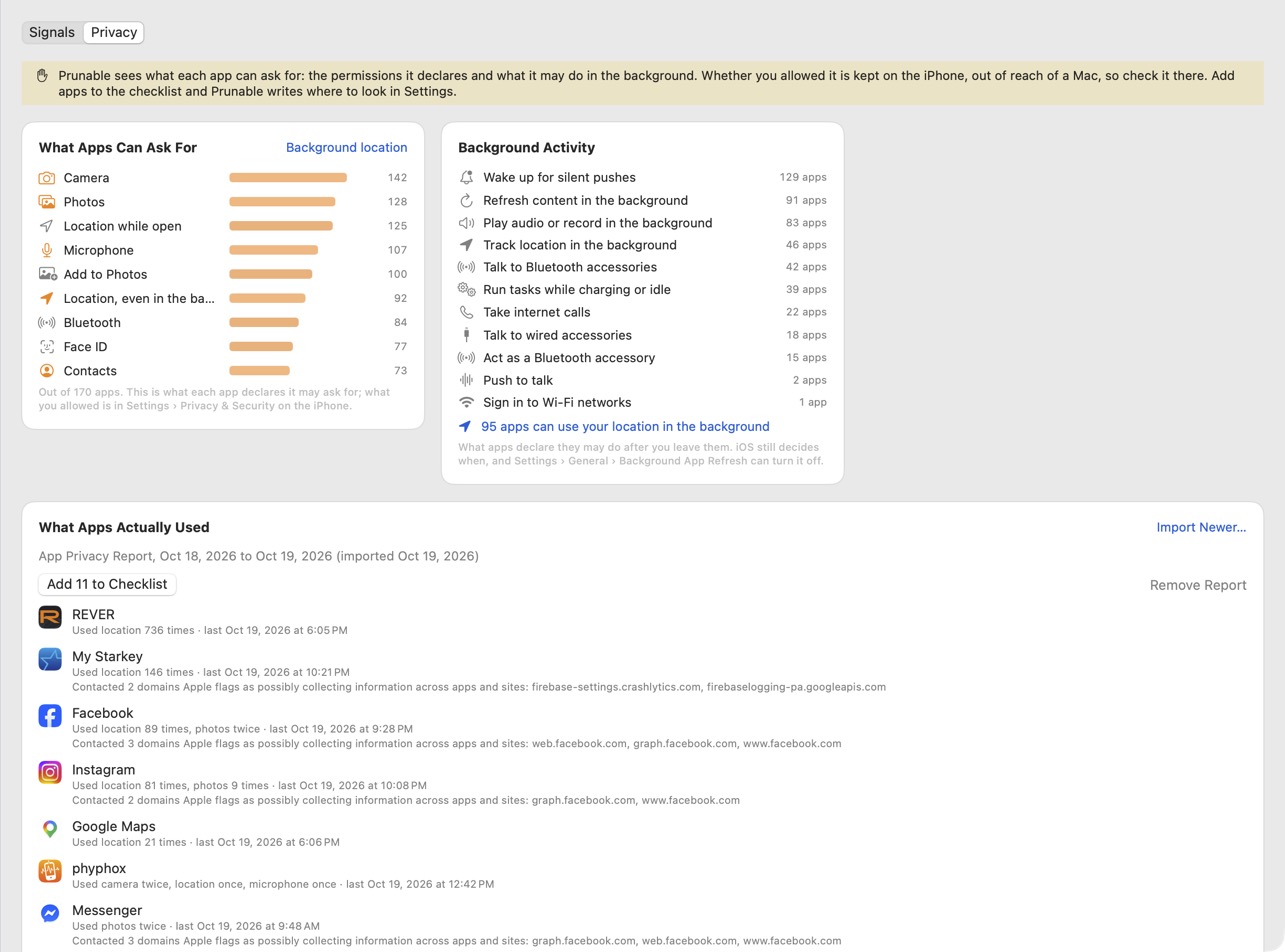
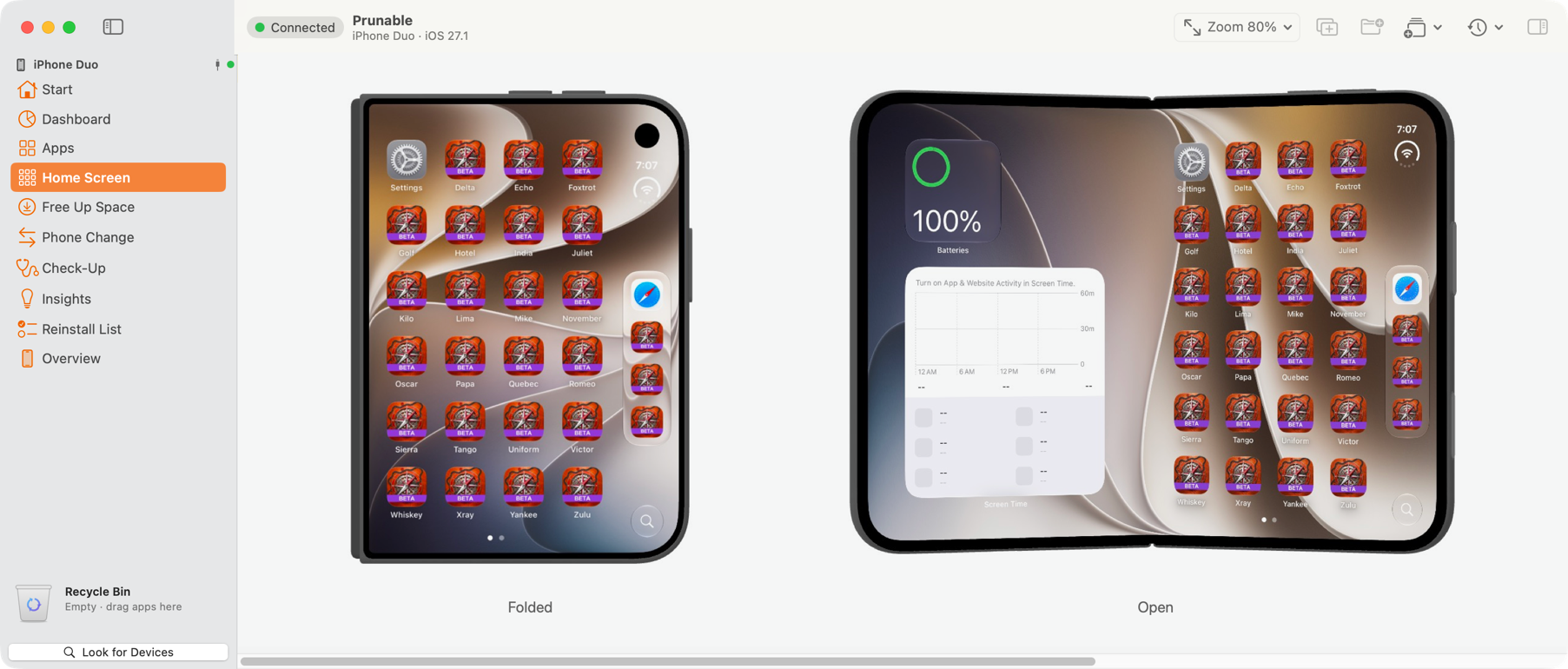
Prunable is a Mac app that shows what is on an iPhone or iPad and takes it off. Plug the device in (or reach it over Wi-Fi) and Prunable lists every app with its real size, what the App Store says about it today, the permissions it can ask for and the space its data takes. It warns before you delete an authenticator, a wallet, a banking app or anything you can't download again, keeps a reinstall list for a new phone, and draws the device's Home Screen on the Mac so it can be rearranged with a mouse. It is native Swift with no third-party code, nothing leaves the Mac except App Store lookups, and it is sold directly: scanning and single deletes are free, Pro is a one-time purchase.
Facts
| Name | Prunable |
|---|---|
| Maker | Erratici, Utah, USA; made by one person |
| Platform | macOS 14 or later. Works with iPhone and iPad, including iOS 27 and the iPhone Duo (see the Duo page for what was verified on the device) |
| Connection | USB cable, or Wi-Fi after Finder's one-time Wi-Fi sync setup |
| Price | Free to scan, see sizes and delete one app at a time. Pro (batch delete, filters, saved scans with what changed, CSV export, Home Screen editing) is a one-time purchase. |
| Distribution | Direct download, notarized by Apple, updates in-app. Not on the Mac App Store: the App Store sandbox blocks the USB connection it needs. |
| Privacy | No account, no analytics in the app, no data leaves the Mac except App Store lookups and, only if you ask for it, a question to an AI search engine. Privacy page. |
| First release | 1.0.0, October 2026 |
| Download | getprunable.com/download |
| Contact | contact@getprunable.com |
What it can't do, so you don't have to ask
- It can't install App Store apps on a device; iOS gives no Mac that ability. The reinstall list sends tappable App Store links to the phone instead.
- It can't see how often an app is used beyond what the device itself reports in its daily usage summaries.
- It can't read an app's private data on a device that isn't jailbroken, and it doesn't pretend to; only apps that opt into file sharing expose a Documents folder.
- It doesn't work over Bluetooth, for any Mac app, Apple's own included.
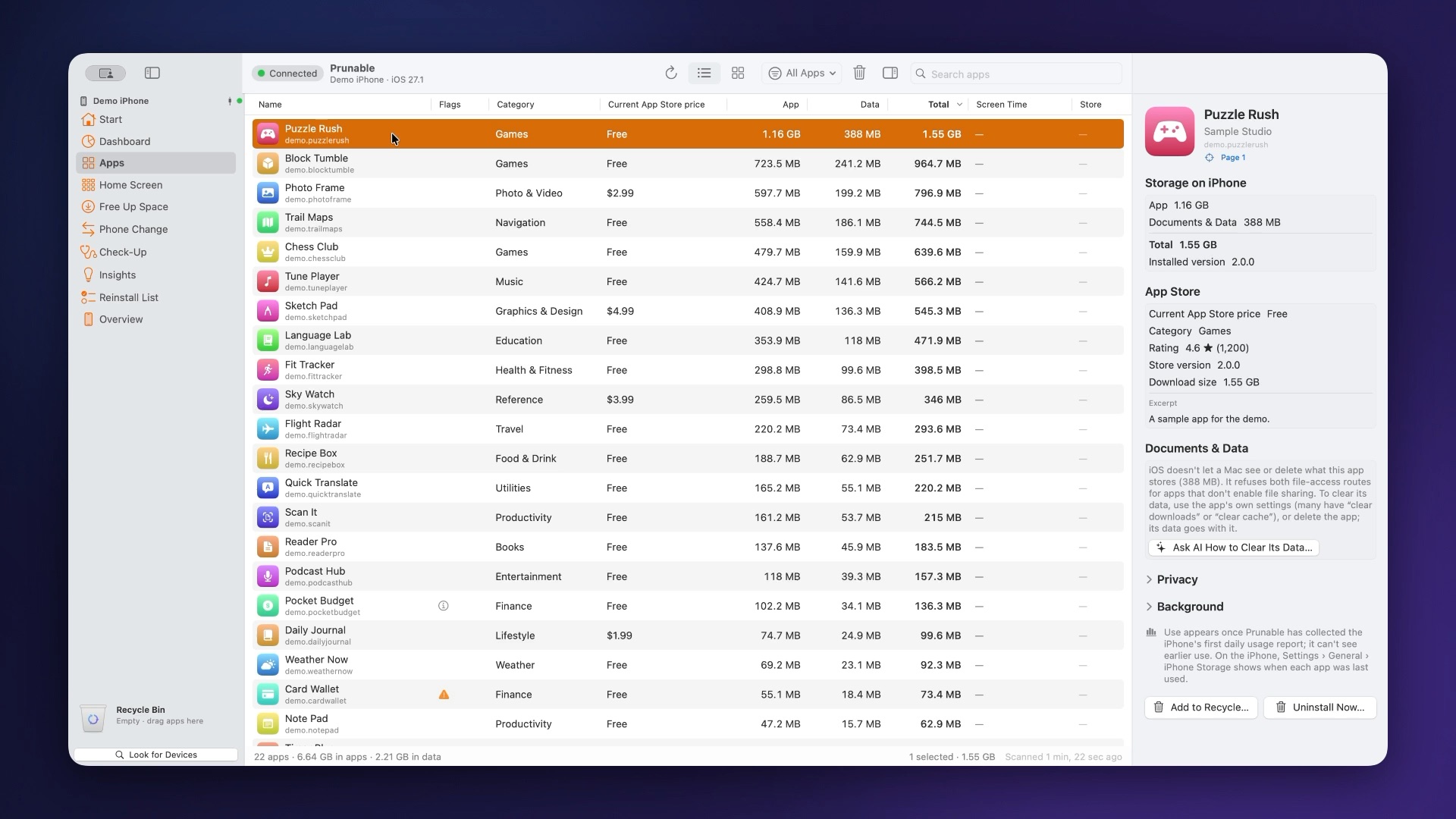
Icon and screenshots
Right-click to save. Each screenshot is the app on the maker's own iPhone; identifiers are hidden.
Video
A narrated two-minute demo with captions: prunable-demo.mp4 (poster frame). Clips may be used with credit.